


Environment: Moderate Approach
Here are relatively simple approaches to processing XML/XSL files on a Web server while delivering HTML pages to the users' browsers. The examples employ basic scripts that direct a Web server in processing XML files, covering virtually every Web server environment.
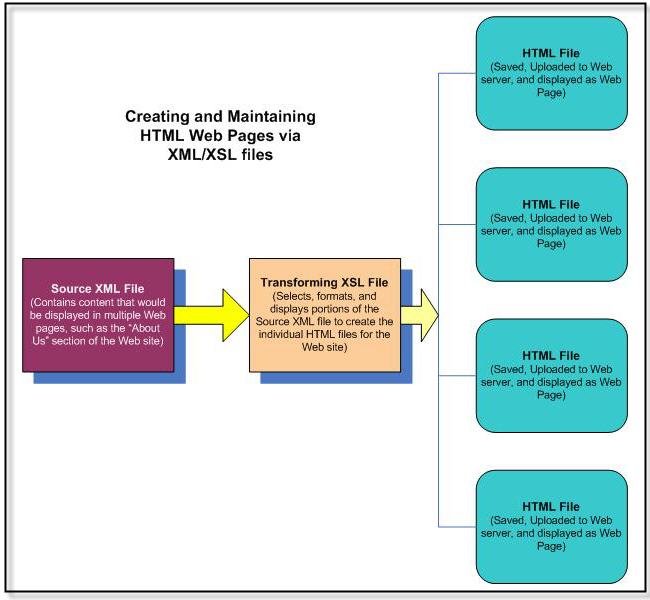
How Server-Side Processing Works
When a user requests a page, the Web server runs a short script that:
1. Locates the appropriate XML content file for the requested page.
2. Loads the corresponding XSL stylesheet.
3. Invokes the server's XML parser and XSL processor to perform the transformation.
4. Returns the resulting HTML to the user's browser.
The user always receives plain HTML — they never see the underlying XML or XSL.
Supported Environments
The downloadable source code (available from Inside this Site) includes implementation scripts for:
• ASP (VBScript) — Windows / IIS
• ASP.NET (C#) — Windows / IIS with .NET Framework
• PHP — Linux or Windows with PHP and the libxslt extension
• JSP — Java application servers (Tomcat, JBoss, etc.)
• Java Filter — servlet-based Java environments
• ColdFusion — Adobe ColdFusion MX or later
• Dreamweaver — using Dreamweaver's built-in XML/XSL support